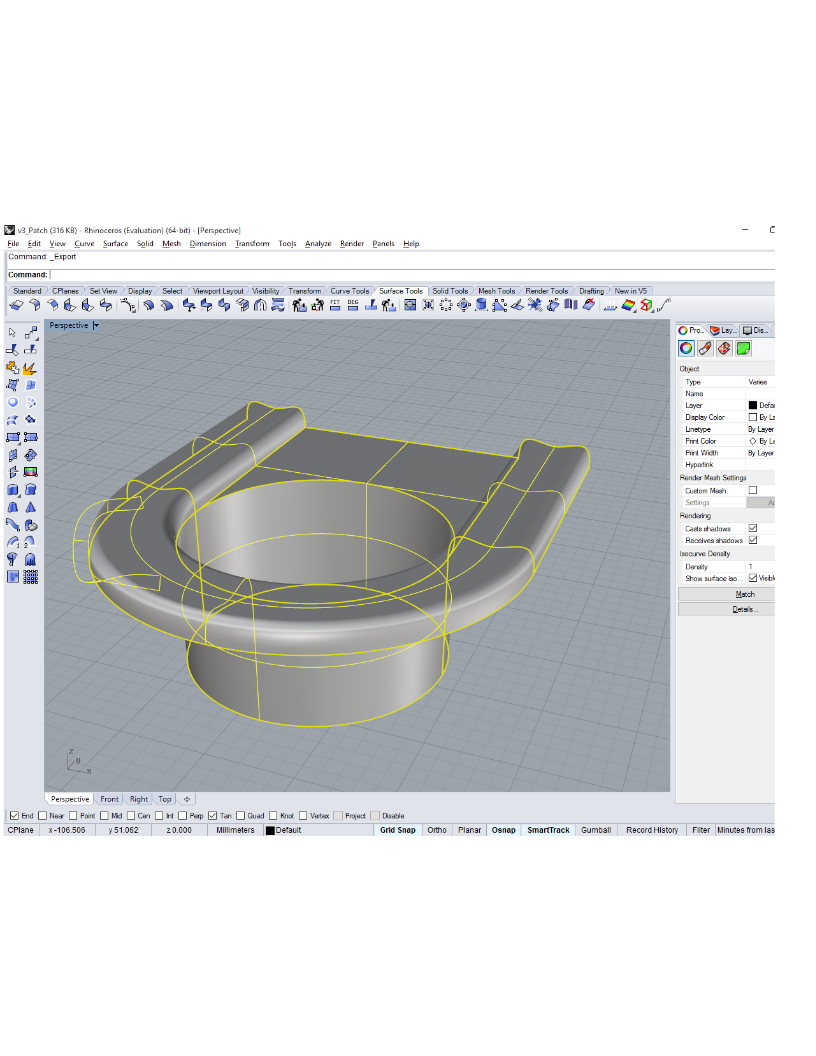
The machining industry is under going a transformation. The computer numerical controller (CNC), long a staple for the so-called two and a half axis machining cell is inadequate in addressing current technologies such 3D Machining and Printing. This is not to mention it’s ineffectiveness when applied to 3D path planning which is a requirement for applications such as 3D scanning and articulated robot control.
Here, I present some ideas on how 3D CAD programs such as Rhinoceros can be enhanced so as to provide a powerful framework for 3D trajectory generation.
The archive of the projects described in the document above can be downloaded here.
The following is a short description of the code provided in the Development-Rhino3D ZIP file which can be decompressed and run in any desktop Linux distribution. To effectively work with these projects Rhino3D (evaluation version) must be installed.
There are three subdirectories of interest, Process3dm, Execute3dm and the opennurbs library (opennurbs_20111122). The evaluation is based on one Rhino3D file named my_curves_Rhino3d.3dm which contains four arbitrary curves created using the Rhino3D GUI.
Process3dm is used along with the opennurbs library to transform my_curves_Rhino3d.3dm into my_curves_Rhino3d_AllNurbs.3dm which transforms the four curves into NURBS representation.
The project contained in Process3dm is used in two ways. First, to transform the curves in my_curves_Rhino3d.3dm to my_curves_Rhino3d_AllNurbs.3dm and to create a special file named my_curves_Rhino3d.3dx which will be explained in more detail below. Secondly, this project is used to evaluate a special method for controlling vector velocity in 3D space.
In function GenerateConstantVelocityPlot () of file Process3dm.cpp an evaluation for different methods on how to adjust the reference to control velocity are shown. It can be seen that using both the first and second order calculations of NURBS curves offer the best impact for controlling velocity.
A problem remaining to be solved is at the transition points between the beginning of one NURBS curve to the next NURB curve. A possible solution may be to use a higher order interpolator that can straddle multiple points in the vicinity of the point of interest.
Function DriveGenCalcTraj() in Process3dm is added to control velocity ramping (necessary for use in a real-world application).
Finally, code capable of executing pre-processed NURBS at very high data rates. This is the reasoning behind the creation of the file named my_curves_Rhino3d.3dx which is accomplished with the code contained in file Generate3dx.cpp. If it is desired to create a platform for the execution of NURBS within an embedded control environment, the use of the opennurbs library within this embedded system would be problematic due to slow execution speed and code size.
Testing of my_curves_Rhino3d.3dx is done using code in ClientNode.cpp of directory Execute3dm. This is evaluation code, setup only for working with the base reference file NURBS file my_curves_Rhino3d_AllNurbs.3dm. Also, there is no attempt here to control path velocity.
However, the interpolation part of the code is correct. This is shown by using Rhino3d to plot my_curves_Rhino3d_AllNurbs.3dm over the points generated by my_curves_Rhino3d.3dx as shown in this snapshot. The white dots are the points generated by my_curves_Rhino3d.3dx plotted over the original plot of my_curves_Rhino3d_AllNurbs.3dm.

